Free · Open source · No tracking
Split the tab,
not the friendship.
Track who paid for what in your group and settle up with the fewest transfers. Free, offline-first, no ads, no tracking.

Everything a shared tab needs
Real groups are messy: one person fronts the hotel, someone else buys the groceries, and half the receipts never make it onto a list.
Smart settle-up
Clears the group's debts with the fewest possible transfers. Six people, two payments — not fifteen.
Works offline
Add expenses on a mountain, a plane or a dead-zone basement bar. Everything syncs the moment you're back online.
Any currency
Pay in yen, split in euros. Each expense keeps its own currency and locks in the exchange rate from the day it happened.
Four ways to split
Equally, by exact amounts, by percentage or by shares. Because the person with the single room shouldn't pay the same.
Placeholders
Add a seat for someone before they've even installed the app. They claim it later with an invite link and inherit their whole history.
No account needed
Continue as a guest with nothing but a username. Add an email later if you want your groups on more than one device.
See it in action
The same app on your phone, your laptop and the web.
Know where you stand
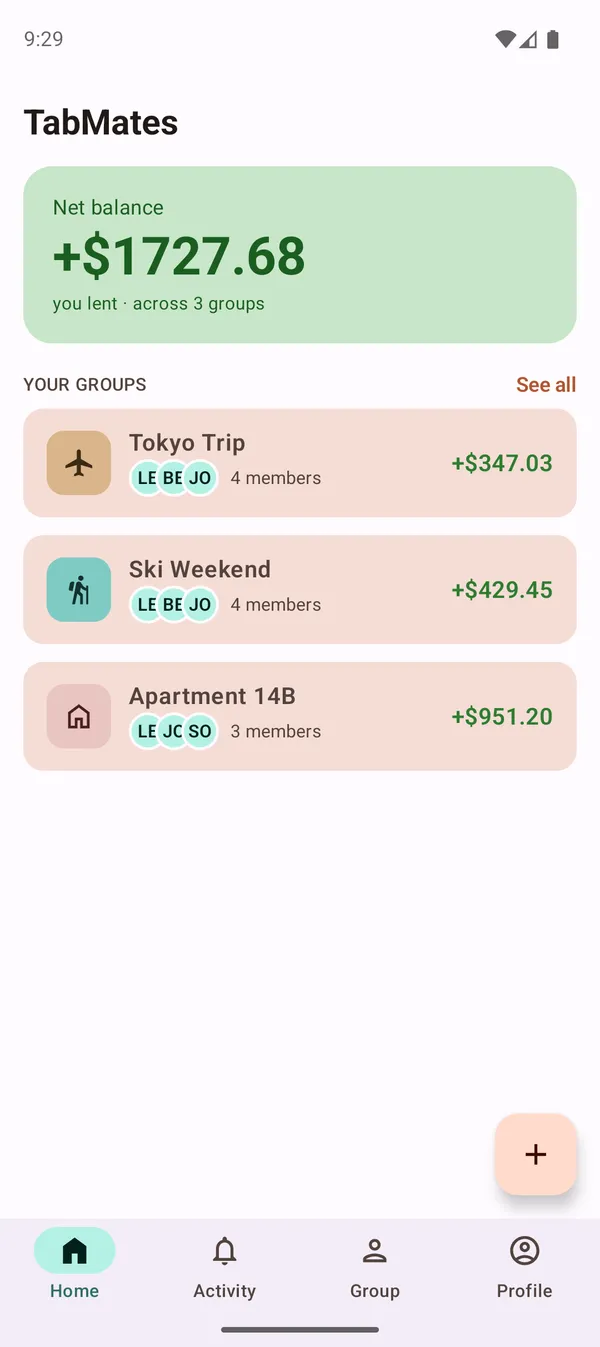
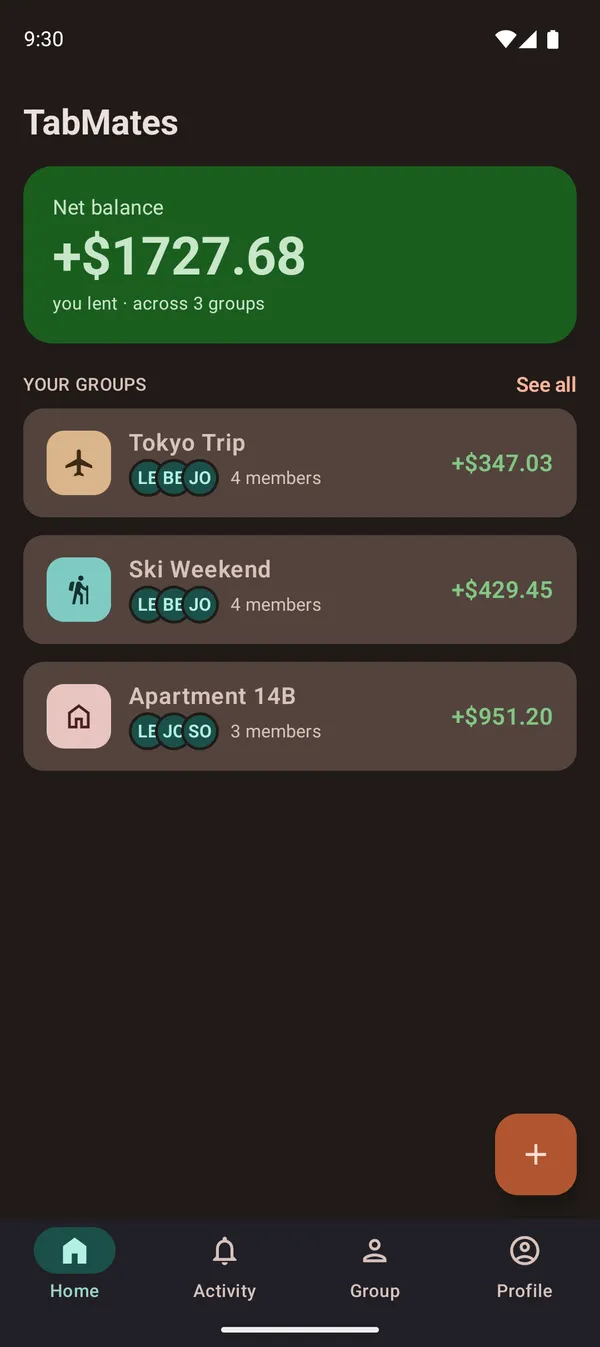
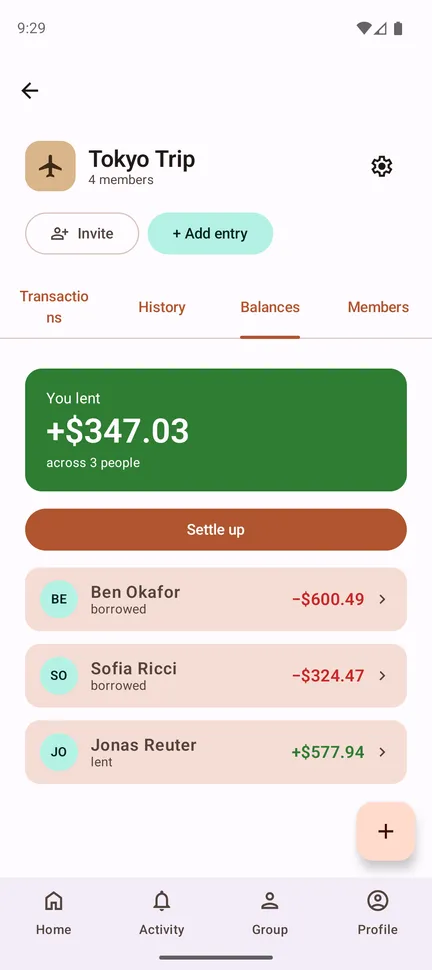
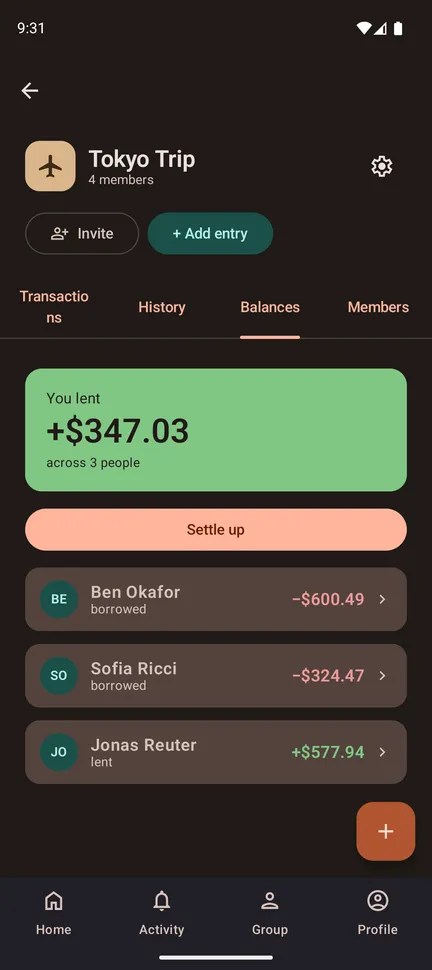
One balance per group, and one number across all of them.
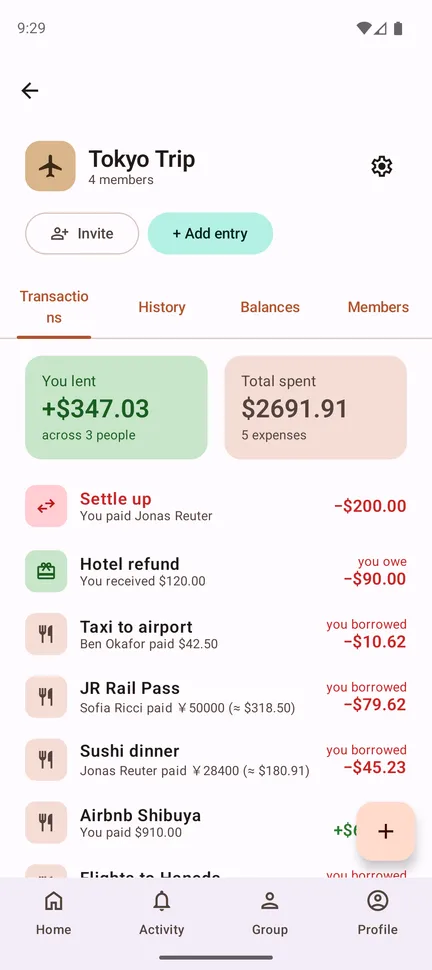
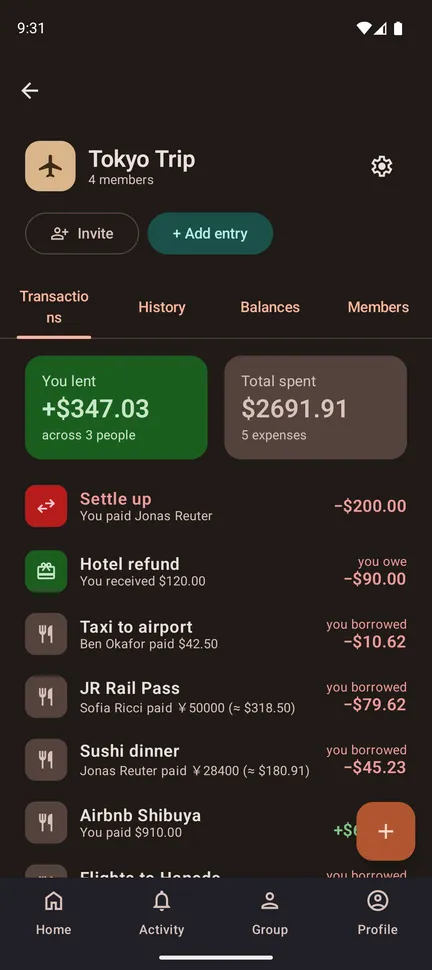
Every bill in one place
The whole group's spending in one list, with what you lent and what the trip has cost so far.
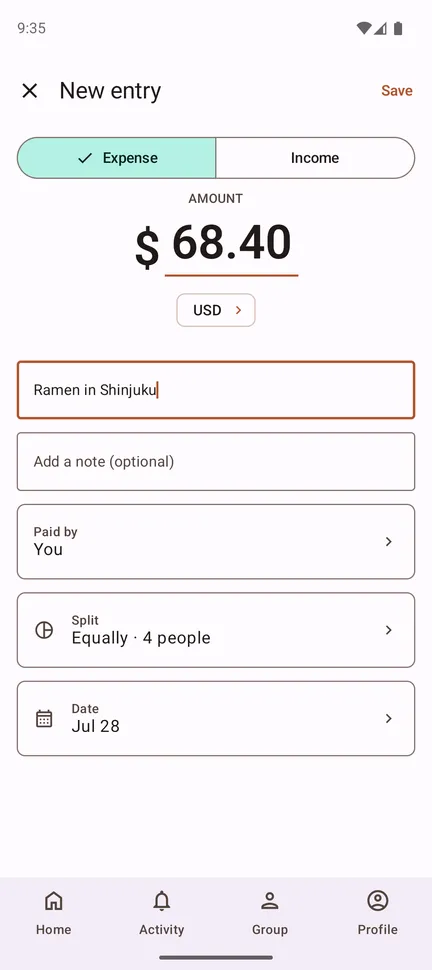
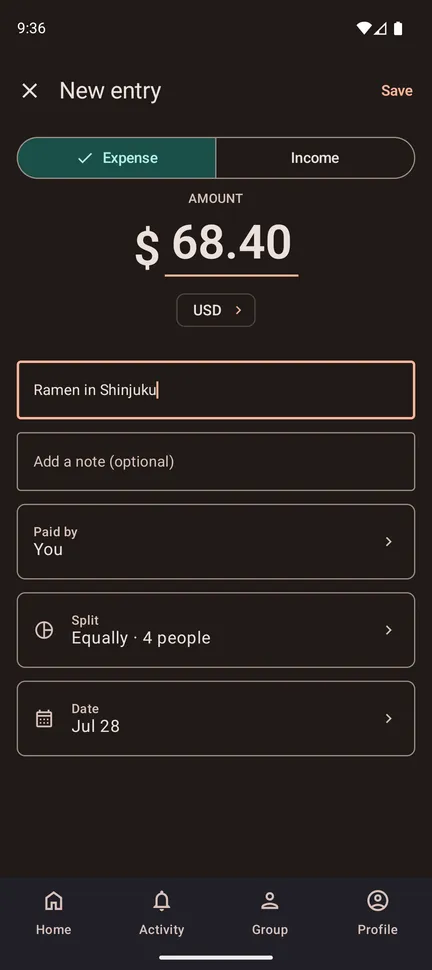
Simple unless you need more
Fill three fields and you're done. Change the fourth and the same expense splits by amount, percentage or shares.
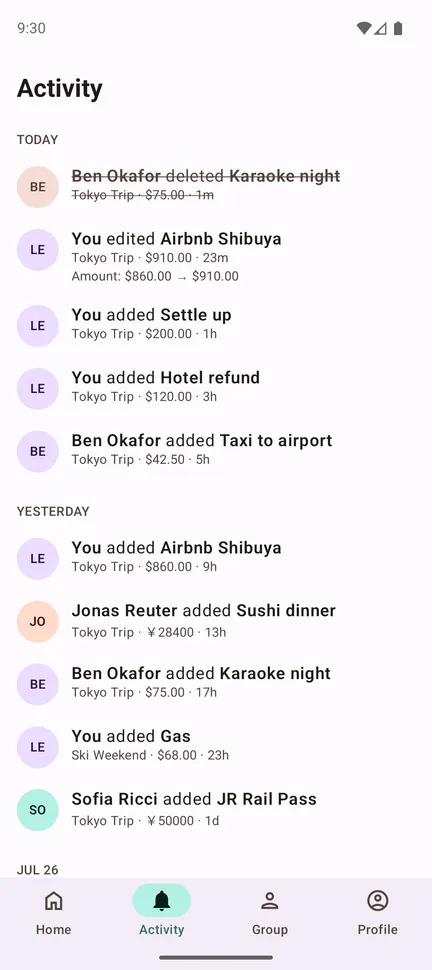
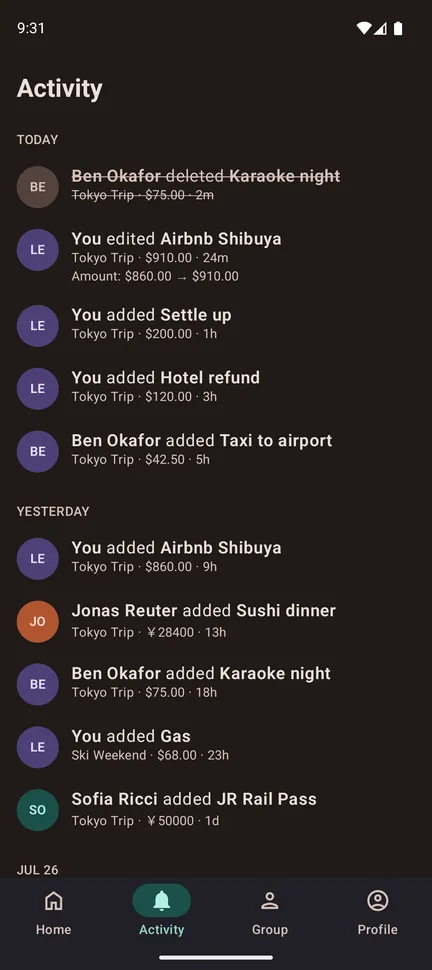
See who added what
Every add, edit and settlement lands in a feed the whole group can read.
Three steps, then forget about it
Create a group
Name it, pick an icon and a default currency, then share the invite link. Flatshare, holiday, dinner club — whatever it is.
Add expenses as they happen
Anyone in the group can log what they paid. Split it however makes sense for that particular bill.
Settle up
TabMates works out the shortest set of payments that clears everyone. Pay up, mark it done, move on.
Your group's money is nobody else's business
Most expense-splitting apps make money from you. This one doesn't make money at all.
No ads, ever
There is no advertising SDK in the app, and no plan to add one.
No analytics
Analytics collection isn't just absent — it's explicitly switched off in the app's own manifest. We can't see what you tap.
Hosted in Germany
The backend runs on servers in the EU, operated by us. Your expenses aren't sitting in someone else's data warehouse.
Delete it all, instantly
Delete your account from inside the app and it's gone right away — no email to support, no waiting period.
Read the code. Run it yourself.
TabMates is licensed under the GPLv3 — the app and the server both. Audit what it does with your data, file an issue, send a patch, or host the whole thing on your own machine. Nothing is hidden behind a build server.
Questions
Is it really free?
Yes. No subscription, no premium tier, no ads, no upsell. It's a GPLv3 open-source project, not a business.
Do I need an account?
No. “Continue as guest” gets you a working account with just a username. The trade-off: a guest account lives on one device, so you'd lose your groups by logging out or switching phones. Adding an email at any point fixes that.
Does it work without internet?
Yes. Everything is stored on your device first and synced afterwards. You can add expenses fully offline; entries waiting to sync are marked as such, and go out as soon as you have a connection again.
Can we use different currencies?
Yes. Every group has a default currency, and any individual expense can be recorded in another one. The exchange rate is locked in when you enter it, so a later rate change doesn't quietly rewrite what people owe.
What happens to my data?
Your groups and expenses stay on your device and on our servers in the EU. There are no analytics, no ad networks and no third-party sign-in. The full detail — including the handful of providers the app needs for push notifications, email and bot protection — is in the privacy policy.
Is there an iPhone version?
The iOS build exists — TabMates is one shared codebase across Android, iOS, desktop and web — but it isn't publicly distributed yet. In the meantime the web app works on iPhone and can be added to your home screen.
Start your first tab
Open the web app in your browser, or install it on Android. No sign-up needed to try it.